For accountants
The client sends a folder of PDFs three days before the deadline. You need them in the ledger, and you need to know that the numbers made it across intact.
Last updated September 16, 2026
The part that actually costs you time
It isn't the typing. It's the doubt.
You can get transactions out of a PDF in a dozen ways: copy and paste, a converter, a junior. What none of them give you is confidence that all 340 rows arrived and that none of the amounts drifted. So you spot-check. Or you don't spot-check, and then a reconciliation is out by 390.00 at the worst possible moment, and you are binary-searching a client's January to find one row.
That is the cost: not the conversion, the verification you have to do afterward.
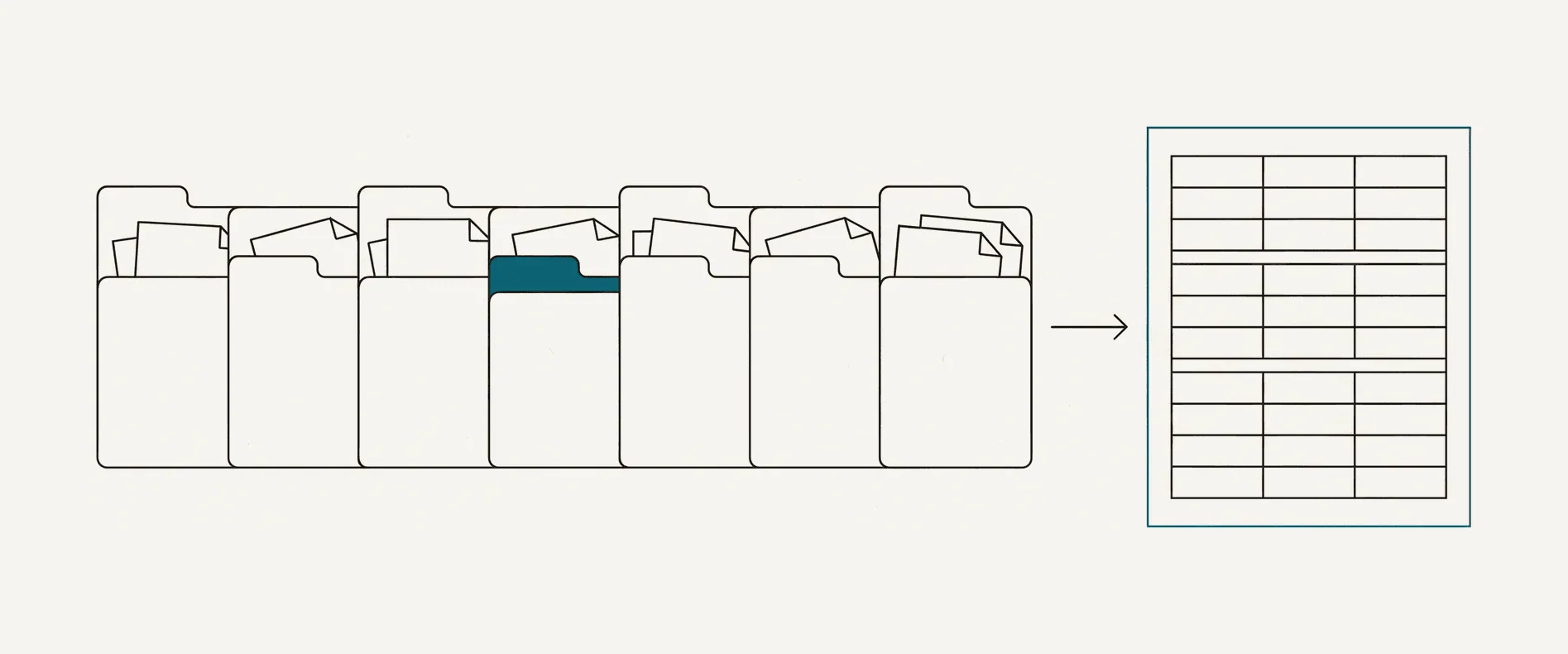
What changes here
Every conversion is reconciled against the printed running balance before you see it. Opening balance plus transactions must equal each printed balance and the closing balance. If the chain holds, you have arithmetic proof that the amounts and their order came across correctly. If it doesn't, the specific rows are flagged with the difference, so you are checking three lines rather than three hundred. How the check works.
You still review the file, because you would review it anyway and no badge replaces a professional's eye. The difference is that you review with a map rather than a haystack, and the file tells you where to look before you open the PDF.
A month-end that looks like this
- Client sends 12 monthly PDFs for an account with no feed history.
- Convert them. Roughly 30 pages total, about $3 of credits at Pro pricing, a few minutes of wall-clock time. Native PDFs come back in 10-60 seconds each.
- Read the badges. Ten green, two with a flagged row each, both in the same November scan the client photographed rather than downloaded.
- Check those two rows against the PDF. One misread digit. Correct it in the review workbook.
- Upload the workbook and download QBO, then import into the client's QuickBooks account, or take XLSX if you are working the file up manually first. Import steps.
- The PDFs are gone from our side when each conversion finished. You didn't upload a client's financial data to a service that keeps it.
Total spend: about $3 in credits from a pack that doesn't expire, against however long twelve statements take by hand. The numbers in this walkthrough are illustrative; the prices are ours.
The same work at year end, in the order it is usually done, is in year-end bookkeeping from bank statements.
Client confidentiality
Professional ethics rules in most of our markets treat sending a client's records to a third-party tool as a disclosure. Pasting a client's statement into a consumer chatbot is exactly that, and the terms of many consumer AI products allow the input to be used for training unless you opt out. Here, the file exists only while the conversion runs, the AI provider that reads it is contractually barred from training on it and deletes inputs within 30 days, and we keep no copy. The full data flow, every provider and what each one receives is on one page: where your statement goes. If your firm needs a data processing agreement, email us.
Why the commercial terms suit practice work
Lumpy volume: page packs
January and the weeks before a filing deadline aren't June. Buy 300 pages for $29 and use them across the whole year. Unused pages don't vanish at the end of a billing cycle, which is the single most common complaint about the subscription tools in this category.
Steady volume: Practice or Firm
If the firm converts every month, Practice is $19 a month for 200 pages and Firm is $49 for 600, with unused pages rolling over while you are subscribed and unlimited users on one plan. Cancel any time. Pricing.
- All eight formats from every conversion, on every plan, including free
- Support from a person within one business day, from the people who wrote the extractor
- Unused packs refundable within 14 days; conversions that fail on our side are not charged
What it leaves to you
This is an extraction and verification tool, and it is deliberately narrow about where its judgment ends and yours begins.
- Categorization and nominal codes. Descriptions are exported exactly as the bank printed them, with no guess at a merchant or an account. Coding is your work and your firm's mapping, not a model's.
- Line-by-line arithmetic on a card statement the issuer printed no running balance on. The check reconciles the closing total there instead, and the badge names which of the two it did. Details.
- Replacing a working bank feed. Where a feed covers the period, use the feed. This is for the months it does not reach.
Convert one and see
During the launch offer ten pages a day are free, and you don't need an account to run your own statement through it.