Bank statement photos to Excel
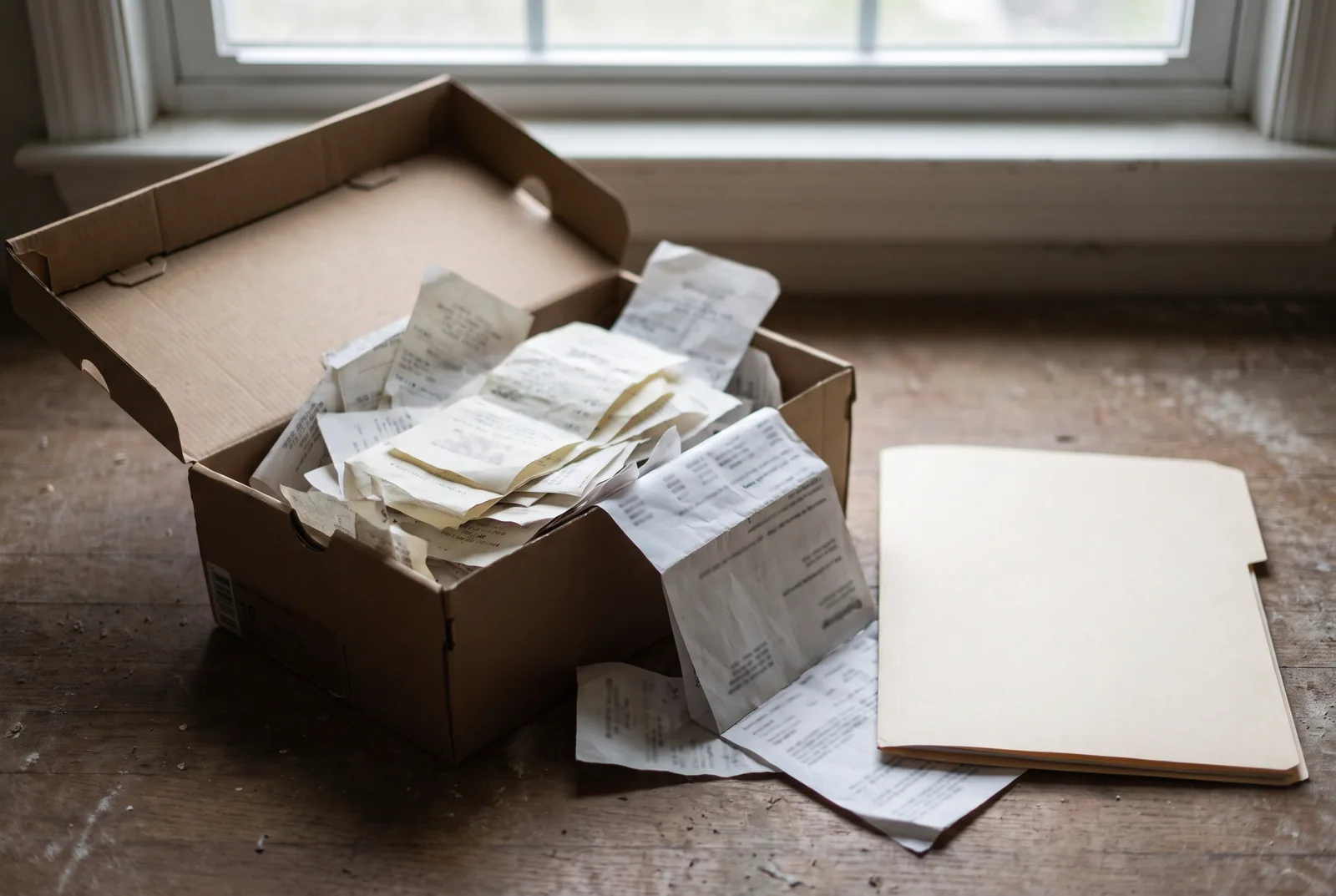
The client hands you a shoebox. The archive is a filing cabinet. The bank stopped emailing PDFs in 2019. This is the workflow for statements that don't exist as clean files.
Last updated September 9, 2026
Who this is for
Bookkeepers with paper clients
Sole traders and older businesses who keep statements in a folder. You need them in the books; they need to stay on paper.
Anyone reconstructing history
A loan application, an audit, a dispute, a tax year from before the online archive starts. The only copy is a scan.
People on a phone
You are at the client's desk with their statement in front of you. Shoot the page, convert it, move on.
The workflow
- Shoot or scan one page per image. Flat, from above, whole page in frame, even light, no digital zoom. The six rules.
- Upload up to 100 photos as one statement, or a scanned PDF of up to 100 pages. On a phone, the upload button opens the camera.
- Wait about 20-60 seconds a page. Every pixel is read. Progress shows per page.
- Read the badge. Green means the rebuilt running balance matched every printed balance. Flagged rows tell you exactly where a digit was misread.
- Fix the flagged rows against the page in the review workbook, upload it, and download XLSX, CSV, QBO or OFX. Import steps for each format.
The limits and timings for scanned PDFs are on scanned bank statements to Excel, and scanned bank statements: what works explains how a scan is read and what to check afterwards.
Why the balance check matters more here than anywhere
On a native PDF the extraction is close to exact and the check is confirmation. On a photo it is the safety net. A misread digit on a photographed page is the single most likely failure in this whole product, and the check is built to catch exactly that: an amount that is off by 390.00 breaks the balance chain at that row and stays broken until the end, so the row is flagged and the difference is shown.
Every release is validated against a fixed corpus that includes deliberately degraded scans, at low resolution, rotated, noisy and compressed, alongside real photographs of paper pages. The standard it has to meet is the one that matters to you: an error that changes an amount has to surface as a flagged row rather than as a plausible number. Method and scope are on how we test, and pages are free every day, so you can put your own worst scan through it before you decide.
What to plan for
- Budget a glance per file. Images take longer to read than PDFs and are where flagged rows turn up, which is exactly what the flags are for.
- Up to 100 photos per conversion, one page per photo, so a 14-page paper statement is one upload.
- Get the bottom of the table in frame. A closing balance cropped out of the shot is the figure the check would have reconciled against.
- Banking-app screenshots, handwritten cash books and pages redacted across the balance column print no arithmetic to check. What this reader is built for.
- If the native PDF exists anywhere, use it. It reads faster and more precisely at the same price per page.
Your client's paper, not our archive
The photos exist on our side only while the conversion runs, then they are deleted, in every case within one hour. We keep a usage record with the page count and the outcome, and nothing from the photos. Where your statement goes.
Convert one and see
During the launch offer ten pages a day are free, and you don't need an account to run your own statement through it.